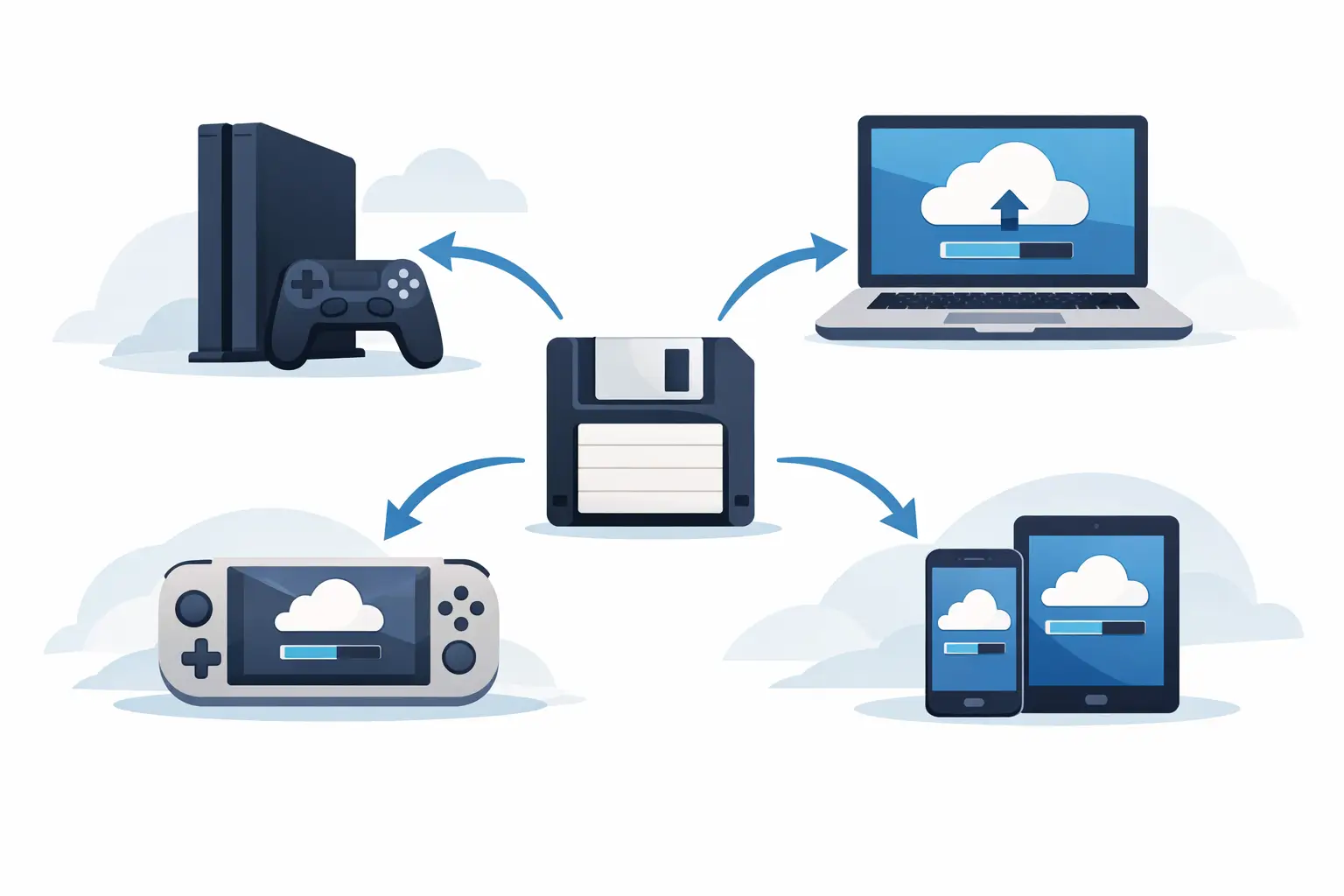
Your character has a legendary sword, 80 hours of progress and a base held together by pure stubbornness. You buy the game on another platform, boot it up, and find a fresh save slot staring back at you. Cross platform saves sound like a basic promise: my stuff, wherever I play. In practice, they are a tangle of platform rules, publisher accounts, incompatible file formats and, occasionally, a cloud system that confidently uploads the wrong save.
The short version: cross-save can be brilliant, but only when the game and its platforms explicitly support it. Owning the same game twice is not a magic key. Neither is seeing a cloud icon.
What cross platform saves actually mean
Cross platform saves, also called cross-save or cross-progression, let one player profile carry progress between different hardware ecosystems. That might mean moving from a PC to a console, from Xbox to PlayStation, or from Steam Deck to your desktop PC.
The key word is platform. A save moving between two PCs is usually a file-management problem. A save moving from PC to PlayStation is usually a publisher-and-platform-holder problem. Those are very different beasts.
For a game to support true cross-save, it generally needs three things: a shared account system run by the publisher, server-side storage for your progress, and permission from each platform involved. The publisher has to map your character, purchases and progress to an account that exists above Steam, Xbox, PlayStation or Nintendo. Then each platform has to allow that data to be read and written safely.
That is why games such as live-service shooters and big online RPGs are more likely to offer cross-progression than a single-player game from 2014. They already treat your character as an online account record. Meanwhile, a game with one local folder full of world files, mods and screenshots has a much harder job.
Cross-save is not the same as cross-play
These terms get thrown around like they came from the same loot box. They do not mean the same thing.
Cross-play means players on different platforms can play together. You might join a mate on Xbox while you are on PC. Cross-save means your own progress follows you when you switch platforms. A game can have one without the other.
A cross-play game may let PC and console players fight side by side while each platform keeps separate progression. Equally, a single-player game may support cross-save between PC and console without offering any multiplayer at all. Check the game’s official feature list, not just a forum post from someone whose cousin “got it working”.
There is also cross-generation support. Moving a save from PlayStation 4 to PlayStation 5, or Xbox One to Xbox Series X|S, can be easier than crossing to PC, but it is still not guaranteed. Sometimes the upgrade path is one-way. Sometimes it requires an in-game upload step. Sometimes the publisher has quietly stopped maintaining it because the next release is already on the shelf.
Why your local PC saves are a different problem
On PC, your save usually belongs in a folder somewhere. It may sit in Documents, AppData, Steam’s userdata folder, a game install directory, or a location apparently chosen by a wizard with a grudge against future you.
That means PC-to-PC continuity is often possible even when a game has no official cross-save feature. You can copy the save manually, sync it through a cloud folder, or use a save backup tool that watches the correct folders. But possible is not the same as safe.
Manual copying creates predictable ways to ruin a perfectly good evening. You can copy an old version over a newer one. You can miss a second folder containing character data. You can bring over a modded world without the required mods, then wonder why every chest has become an interpretive art piece. If two devices both play offline, a sync service may also see two different versions and pick a winner with the judgement of a coin toss.
For PC saves, version history matters more than people think. The question is not merely, “Did my save sync?” It is, “Can I get back to the version from before the crash, bad mod update or accidental delete?” Those are not the same feature.
Checkpoint64 is built for this side of the mess: it watches supported PC save folders, backs up changed files and keeps prior versions so a bad session is a rollback, not a memorial service. The free plan is actually free, and upgrades are pay once, keep it forever. No subscription ritual. No ‘powered by AI’ sticker slapped on your save folder.
The usual limits on cross platform saves
Even when a game advertises cross-save, read the small print before you build your plans around it. Restrictions tend to land in a few familiar places.
Purchases may stay behind
Progress can transfer while paid cosmetics, currency or DLC do not. Console storefront rules, licensing agreements and premium currency policies can keep items tied to the platform where they were bought. Your level 50 character may arrive intact, while their wardrobe is suddenly doing the default-skin walk of shame.
Some games solve this by making most purchases account-wide. Others transfer earned items but not paid currency. A few treat every platform as its own locked cupboard. It depends on the game, not on what feels reasonable.
Mods can break the journey
PC modded saves are especially awkward. Consoles may not support mods at all, may allow only curated mods, or may run a different game version. Even a PC-to-PC transfer can fail if the receiving machine lacks the same mod list, load order or required asset packs.
Before moving a modded save, record the game version, mod manager, active mods and load order. Back up the unmodded original too. That sounds fussy until a missing dependency turns your 200-hour colony into a loading screen that never blinks.
Different editions can mean different saves
Standard, deluxe, remastered, complete and next-gen editions do not always share a save format. Nor do regional releases in every case. If a game has multiple launchers on PC, such as Steam, Microsoft Store or Epic, save locations and cloud behaviour can differ even when the game itself is identical.
Do not move files until you know the target edition can read them. If the developer provides an import tool, use that rather than improvising with folders.
Some transfers are one-way
A publisher may let you import an old save into a newer version but refuse an export back. Once the save is converted, your older copy may no longer understand it. Keep the pre-conversion version as a separate backup. This is not paranoia. This is respecting the sacred law that you will want to go back ten minutes after clicking Confirm.
A safer way to move saves between devices
If you are moving between PC devices, treat it like a handoff rather than a casual copy-paste job. First, close the game completely on both machines. Check Task Manager too, because some launchers and games continue hovering in the background like an unwanted ghost.
Next, make a dated backup of the source save before touching anything. If the game uses Steam Cloud or another built-in service, let it finish syncing and verify which device holds the newest progress. Do not launch the game on the second device until you are certain its old local save cannot overwrite the newer one.
Copy every required save component, not just the file with the most obvious name. For world-based games, that can include world data, player data, configuration files and mod settings. Then launch the target game once, check the expected character, world and progress, and keep the original backup until you have played and saved successfully.
For co-op worlds, the risk changes. The problem is not only getting the save to another computer. It is stopping two people from editing separate copies of the same world. If your group takes turns hosting, agree who has the current world, who is allowed to host next, and when the handoff happens. A proper lock-based handoff system is better than a Discord message saying “pretty sure this is the latest one”.
Before you trust a game’s cross-save claim
Look for a clear answer to four questions: which platforms are supported, whether you need to link a publisher account, whether purchases transfer, and whether the feature works both ways. Also check whether the game supports every edition you own, not just the newest release.
If the answers are vague, assume nothing. Make a test save, move it, and verify it before you commit your main character or shared world. Ten minutes of testing beats explaining to your co-op crew why last Saturday’s fortress has travelled backwards in time.
The best cross-save setup is the one you never have to think about - until something goes wrong. Then it should give you a clear choice, a known-good version and a way back, rather than a folder full of files named `save_old_FINAL_final2`.