LOGBOOK
Notes from the Checkpoint64 team.
-
📌 Pinned
Checkpoint64 2.0; a new look, Checkpoint Connect, and a shelf you can drive with a pad
Version 2 rebuilds the whole app around a shelf of floppies, adds Checkpoint Connect so your team can join a server on your PC with no port forwarding, and brings pinned versions, controller support and 18 more co-op games.
-
📌 Pinned
Counter-Strike has no save file; it still has four hours of your settings. Checkpoint64 now backs up game and server configs
A competitive shooter keeps your progress on the publisher's servers, so there is no save to back up. What sits on your disk is the config, and that is the part you rebuild by hand after a reinstall. Checkpoint64 now stocks configs for 67 games and 16 dedicated servers.
-
📌 Pinned
Ditch the dedicated server; your co-op group is probably paying for empty hours
A 24/7 rented box is great when ten people play every night. For the average co-op group, it's $120–$240 a year of idle uptime. Here's the math, and how Checkpoint64 covers ~90% of the use case for a one-time payment.
-
How to Protect Saves Across Gaming PCs Properly
Learn how to protect saves across gaming PCs with automatic backups, version history and sensible co-op handoffs - no lost worlds, no subscription fees.
-
How to Restore Elden Ring Progress on PC Safely
Need to restore Elden Ring progress on PC? Check cloud sync, recover local saves, and prevent another lost Tarnished run with versioned backups today.
-
Game Save Folder Monitoring That Saves Your Run
Game save folder monitoring catches changed files, keeps every version and makes rollbacks painless - before a bad mod or mate ruins the world for good.
-
Four Ways to Protect Co-op Saves From Chaos
Four ways to protect co-op saves from overwrites, bad mods and host drama, with practical habits that keep every shared world playable and recoverable.
-

Manual Save Copying Versus Automation for Gamers
Manual save copying versus automation: see why version history, fast restores and co-op handoffs beat babysitting save folders after every session ends.
-
Does Steam Cloud Save Mods? What It Misses
Does Steam Cloud save mods? Usually it saves your world, not the mod files. Learn what syncs, what breaks, and how to protect a modded save properly now.
-
Create Restore Point Before Mods Ruin a Save
Create restore point before mods and keep a clean save to roll back when a load order, patch, or script turns your world into a crime scene. Fast. Safely.
-
8 Signs Game Saves Are Failing Before They Die
Spot the signs game saves are failing before a corrupted file eats your world. Learn what to check, what to copy, and when to roll back safely first.
-
Game Backups That Save Your 200-Hour World
Game backups stop corrupted saves, bad mod installs and co-op overwrites from deleting your weekend. Keep every version ready to restore in seconds, fast.
-
Emulator Battery Save Guide for Retro Progress
This emulator battery save guide shows how to protect SRAM, memory cards and save states from bad paths, crashes and sync mistakes before progress vanishes.
-
PC Game Save Versioning Guide for Safer Runs
PC game save versioning guide for backing up worlds, reversing bad mod installs, and handing co-op saves over without hosting a pricey server.
-

A Guide to Shared World Handoff Without Chaos
A guide to shared world handoff: keep co-op saves safe, stop overwrites, and let the right player host without renting a server full-time without panic.
-
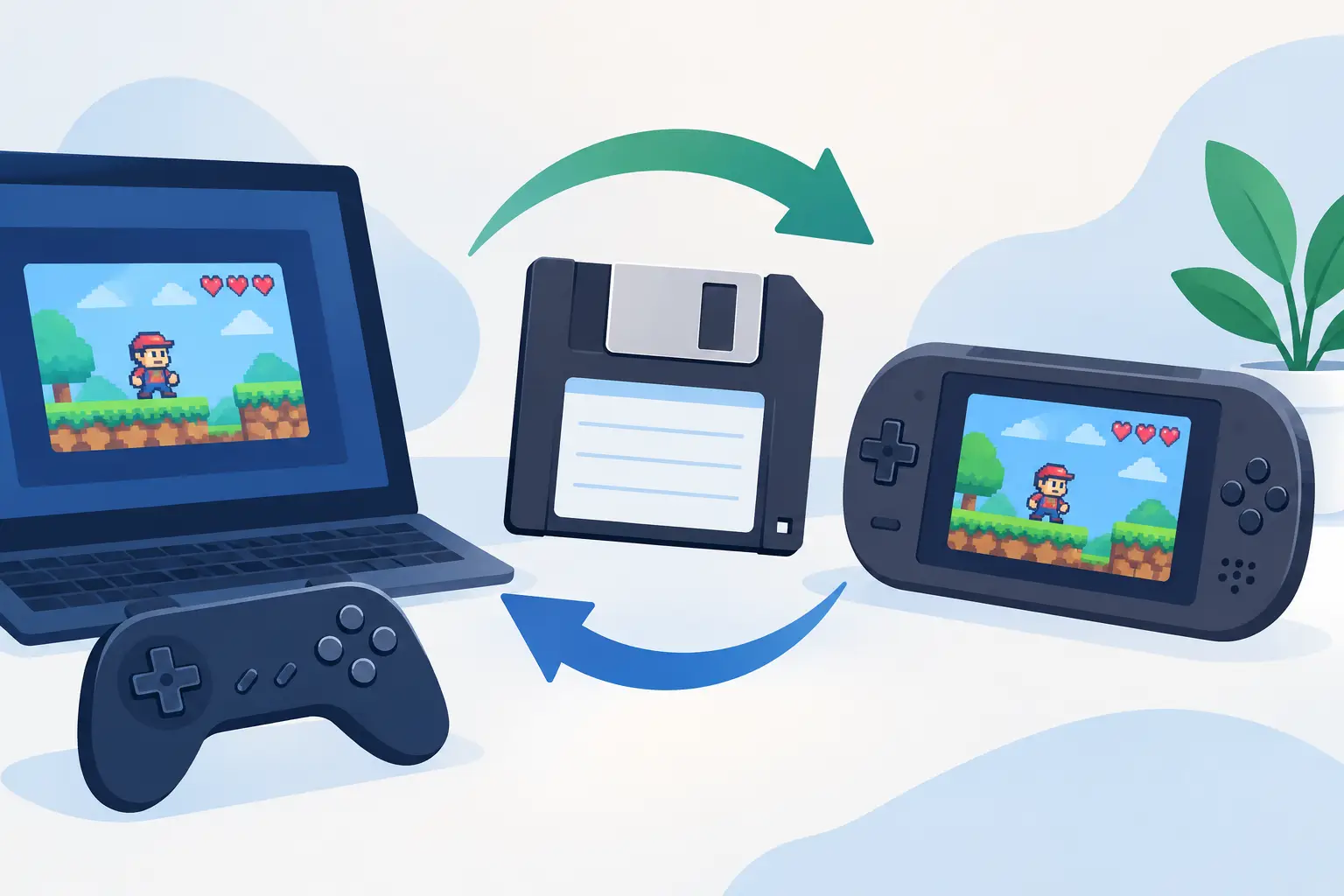
How to Move Emulator Saves Without Losing Progress
Learn how to move emulator saves between PCs, handhelds and new installs without losing progress, save states or hours to one bad folder mistake today.
-
Five Game Save Disaster Fixes That Actually Work
Five game save disaster fixes for corrupted files, bad mod updates, co-op overwrites and missing worlds - plus the backups that stop repeat pain for good.
-
Save Versioning Versus Synchronisation for Gamers
Save versioning versus synchronisation: see why a mirrored folder will not rescue a corrupted world, overwritten co-op run or modded catastrophe safely.
-
How to share your world with friends; play it together, or pass it around when the host is offline
A co-op world lives on the host's PC, so sharing it means playing live while they host, renting a server, or passing the world between you. How each one works, how Checkpoint Connect gets your team onto the host's server with no port forwarding, and the catch in Minecraft and Palworld, where the next host loads in as the last one.
-
Game Backup App: Stop Losing Worlds and Saves
A game backup app keeps every save version safe, restores disasters in seconds, and stops co-op worlds becoming hostage to one host PC when hosts vanish.
-
7 Best PC Save Organisers for Serious Gamers
Compare the best PC save organisers for automatic backups, version history and co-op worlds, so one bad mod or overwrite never eats your progress again.
-
Save Sharing Software for Co-op Game Worlds
Save sharing software keeps co-op worlds moving without risky folder swaps, host lock-in or monthly server bills. Keep every rollback-ready version too.
-
How to Prevent Save Desync in Co-op Games
Learn how to prevent save desync with safer co-op handoffs, version history and simple rules that keep your shared world alive, intact and playable again.
-

Top World Handoff Methods for Co-op Saves
Compare top world handoff methods for co-op saves, from folder swapping to shared servers and lock-based handoffs that stop overwrite disasters for good.
-
Are Deleted Saves Recoverable? Sometimes, Not Always
Are deleted saves recoverable? Learn what happens after deletion, when recovery can work, and how version history stops a bad rollback becoming permanent.
-
Share Read Only Game Saves Without Losing Control
Learn how to share read only game saves without losing your original world, spoiling your run, or letting downloads overwrite months of progress safely.
-

Shared World Access Control Without the Host
Shared world access control stops co-op saves becoming hostage situations. Hand off safely, prevent overwrites, and keep rollback ready when chaos hits.
-

Do Worlds Need Servers? The Honest Answer
Do worlds need servers for co-op? Often, no. Learn when a dedicated server earns its keep and how to keep shared saves safe without ongoing rental fees.
-

Is Cloud Backup Worth It for Serious PC Gamers?
Is cloud backup worth it when a corrupted save can erase a 200-hour world? See the real costs, limits and smarter ways to protect your PC game progress.
-

Co-op World Ownership Guide for PC Crews
Use this co-op world ownership guide to stop host hostage drama, hand worlds over safely, and keep rollback-ready saves when any PC session goes badly.
-

Gaming Preservation Is Save-File Self-Defence
Gaming preservation means keeping your saves, mods and shared worlds playable after crashes, bad updates and one disastrous overwrite without the drama.
-

How to Undo Accidental Game Overwrites Safely
Undo accidental game overwrites without losing more progress. Learn where saves hide, when recovery works, and how version history prevents the next disaster.
-
Patreon is connected; your patrons get the save, and the lapsed ones don't
Bind a team to your Patreon campaign and your active patrons get read-only access to its saves on their own. Lapsed pledges lose it on their own. Nobody pastes a code, nobody keeps a list, and a Patreon outage never removes anyone.
-

Why Do Game Saves Corrupt? 8 Usual Culprits
Why do game saves corrupt? Learn how crashes, cloud conflicts, mods and failing drives can wreck progress - and how to keep every world recoverable safely.
-
Palworld World Handoff Without Save Panic
Palworld world handoff without rented servers or risky zip files. Keep co-op saves moving, protected and ready when the next host wants to play again.
-

Save File Ownership Keeps Your Worlds Yours
Save file ownership means your world stays yours: protect progress, share co-op saves safely, and restore the version before disaster strikes and sticks.
-

World Overwrite Example: Recover a Lost Save
A world overwrite example for gamers: see how one bad save replacement happens, what recovery looks like, and how version history prevents a total wipe.
-
Modded Save Protection Without the Rituals
Modded save protection keeps your worlds recoverable when mods misbehave, updates collide or a mate overwrites the only good save. Keep versions safe.
-
Palworld Multiplayer Save Backup Without the Panic
Set up a Palworld multiplayer save backup that survives bad mods, overwrites and host hand-offs, with full history and no monthly server bill for co-op.
-
A Game Save Storage Guide for PC Gamers
Game save storage guide for PC gamers: protect worlds, keep version history, share co-op saves safely, and stop one bad session erasing weeks of work.
-
Can Friends Host the Same World? Yes, But Carefully
Can friends host the same world? Learn what shared saves allow, where host-only co-op fails, and how to hand a world over without losing progress safely.
-
Steam Cloud versus versioning for game saves
Steam Cloud versus versioning: see why syncing one current save is not the same as keeping recoverable history for co-op, mods, and mistakes in games.
-

Save Ownership Keeps Your Worlds in Your Hands
Save ownership means your progress stays yours: every version, every co-op handoff, and a way back when a mod, mate or crash wrecks the world completely.
-

Can Steam Cloud Lose Progress? Yes, Here’s Why
Can Steam Cloud lose progress? Yes. See why sync conflicts and overwrites happen, then keep rollback-ready copies of every extra save without the drama.
-

Game Backups Versus Server Rentals Explained
Game backups versus server rentals: compare cost, control and co-op access, then pick the setup that protects your world without wasted monthly fees.
-
How to Protect Modded Worlds Without Losing Progress
Learn how to protect modded worlds from broken updates, corrupt saves and co-op chaos with version history, tested mods and sensible rollback plans today.
-
Where Steam Deck game saves actually live; inside a Proton prefix nobody can guess
On a Steam Deck, a Windows game's save doesn't sit where the game's own documentation says it does. Proton hands every game a private, Windows-shaped filesystem buried under a numeric folder, and the save is somewhere inside it. Here's the exact shape of that path, why the number is the hard part, and how Checkpoint64 finds it without being told.
-
A Version History App for Saves Gone Sideways
A version history app keeps every game save change, so a corrupted mod, bad boss choice or co-op overwrite cannot erase a weekend of progress outright.
-
Moving a save between your Steam Deck and your PC; the path re-resolves itself
Back up a save on Windows, restore it on a Steam Deck, and those files have to land somewhere completely different — a Proton prefix instead of %APPDATA%. Checkpoint64 works the destination out on whichever machine is doing the restoring, so you never carry a path across. What it deliberately won't do is move your save behind your back.
-
Co-op on the couch; taking the shared world to your Steam Deck without stranding the group
A co-op world lives on one machine at a time, and the moment you want to play it on the Deck instead of at your desk you've become a host with two PCs and a coordination problem. A server-enforced lock turns the Deck into just another seat — take it, play, push it back — without anyone having to ask whose save is current.
-
Best Tools for Modded Saves That Stop Disasters
Find the best tools for modded saves, from load-order helpers to versioned backups, and keep worlds safe when a modpack goes sideways before it breaks.
-

Serverless Multiplayer: Co-op Without Rent
Serverless multiplayer lets co-op groups share worlds without renting a server. Learn where it works, where it fails, and how to protect every save file.
-
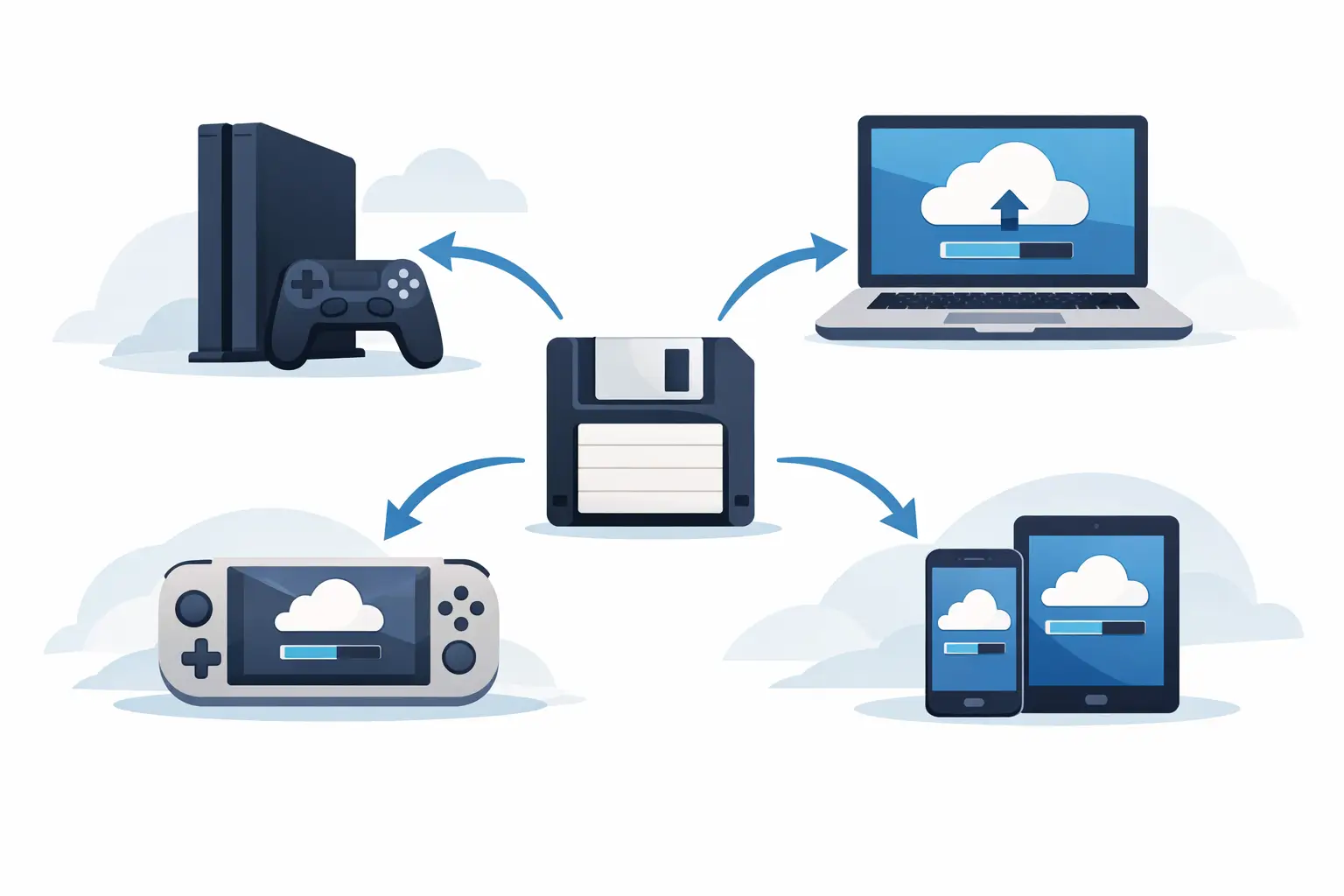
Cross Platform Saves: What Actually Carries Over
Cross platform saves let your progress travel between devices, but platform rules can still ruin the handoff. Here is what carries over and what does not.
-
Add your own game; Checkpoint64 will back up a save it's never heard of. Version 1.1.0 available now
Every catalog has an edge, and the games at that edge are the ones nobody backs up. The latest version lets you point any game at your own save folder, and add games we don't stock at all — name, folder, done. Plus 28 Ubisoft Connect titles and a second way into a Steam-only account.
-
Modded World Preservation Guide for PC Gamers
This modded world preservation guide shows PC players how to protect modpacks, save versions and co-op worlds before one bad update wrecks them completely.
-
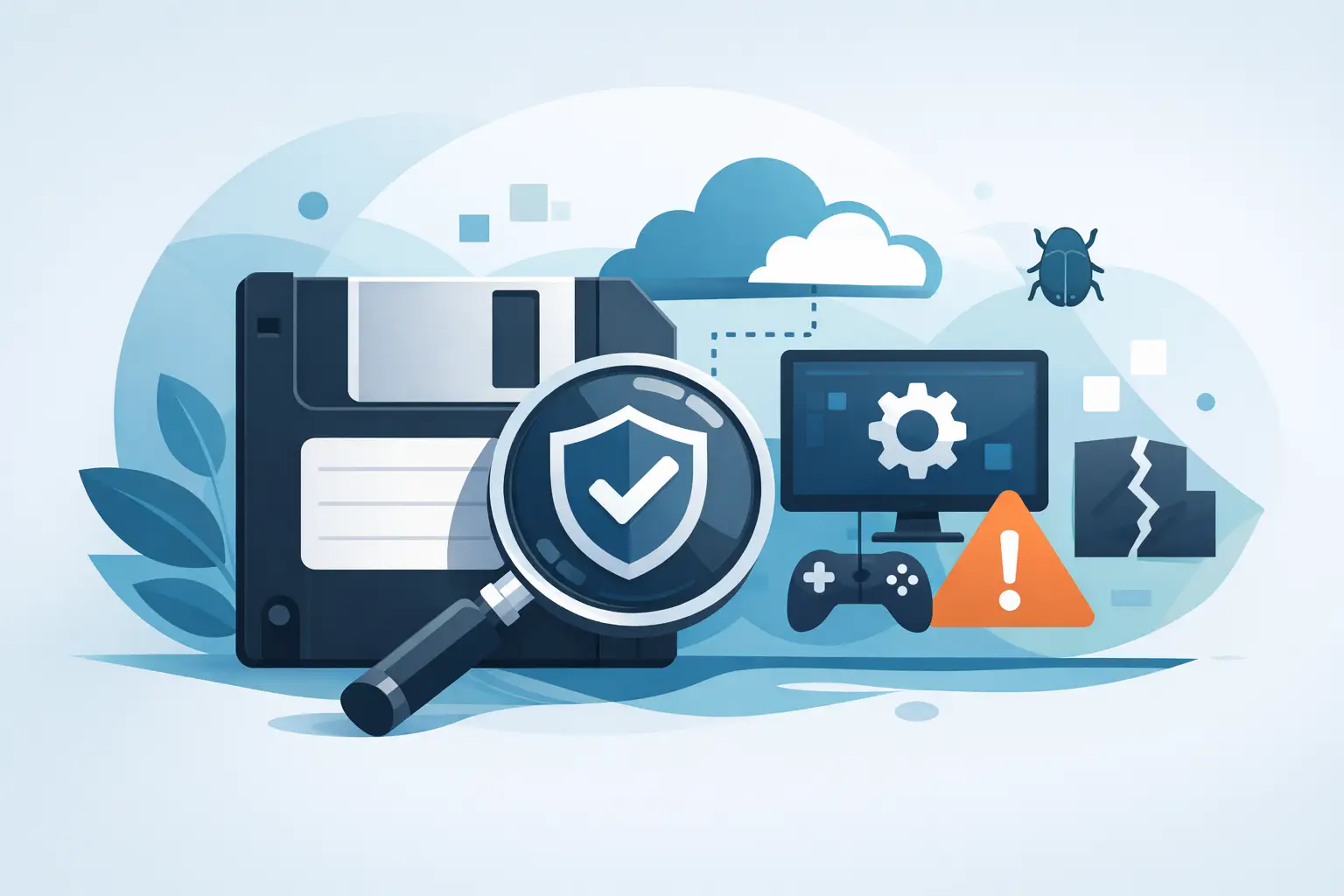
How to Verify Save Integrity Before It Bites
Learn how to verify save integrity, spot corrupted or missing files, test safe restores, and protect solo, co-op, modded and emulator progress quickly.
-
How to Preserve Game Progress Without Save Drama
Learn how to preserve game progress with automatic backups, version history and safer co-op handoffs, so a bad mod or overwrite does not erase your world.
-

7 Best Steam Cloud Alternatives for Save Safety
Looking for the best Steam Cloud alternatives? Compare smarter save backup options for version history, co-op worlds, mods and multi-PC play for gamers.
-

Modded Saves Compatibility Without Guesswork
Modded saves compatibility is fragile. See what breaks worlds, how to test updates safely, and keep a hundred-hour modded run alive.
-

How to Prevent Steam Save Overwrites for Good
Learn how to prevent Steam save overwrites with version history, sync checks and safer co-op handoffs, so one bad launch never ever deletes your progress.
-
Checkpoint64 is Live on Steam!
Today is the day. Checkpoint64 1.0.0 is officially live on Steam. No more playtests, no more waitlists — just better saves for everyone.
-

How to Recover Deleted Game Worlds Safely
Learn how to recover deleted game worlds, stop sync disasters and protect co-op saves with version history, without renting a server or babysitting folders.
-
Automatic Game Save Rollback Without Panic
Automatic game save rollback keeps a corrupted modpack, bad co-op handoff or accidental overwrite from deleting the session you built all weekend intact.
-
Game Save Disaster Prevention That Actually Works
Game save disaster prevention for PC players: stop corrupted files, bad co-op handoffs and overwritten worlds before they eat your whole weekend alive again.
-
Guide to Game Save Recovery: Fix Lost Progress
A guide to game save recovery: find missing files, stop sync damage, restore older versions, and protect PC worlds properly today.
-

Save Sharing vs Dedicated Servers: Which Fits?
Save sharing vs dedicated servers: compare costs, control, uptime and co-op friction, then choose the right way to keep your game world alive for everyone.
-
Google Drive and Patreon; two integrations we're building next
Two integrations are in the works — back your saves up to your own Google Drive instead of our storage, and gate a creator's read-only share code to Patreon members. Here's what each one does, why it fits, and the honest state of both.
-
Co Op Save Management Without Co-op Drama
Co op save management stops corrupted worlds, bad handoffs and host hostage situations with automatic backups, version history and safe sharing for crews.
-
Game Save Backup Software That Saves Your Save
Game save backup software protects your PC progress with automatic version history, fast restores and safer co-op handoffs, without a monthly bill at all.
-
Restore Previous Save State Without the Panic
Restore previous save state after a crash, bad mod or co-op mishap. Keep every version of your PC game saves without folder archaeology after midnight.
-
Game Save Version History Stops Bad Sessions
Game save version history lets you undo corrupted files, bad mod installs and co-op disasters without turning backup folders into a second job for everyone
-
Best Tools for Save Recovery for PC Gamers
Compare the best tools for save recovery, from versioned cloud backups to file recovery apps, and stop one bad session deleting your whole campaign today.
-
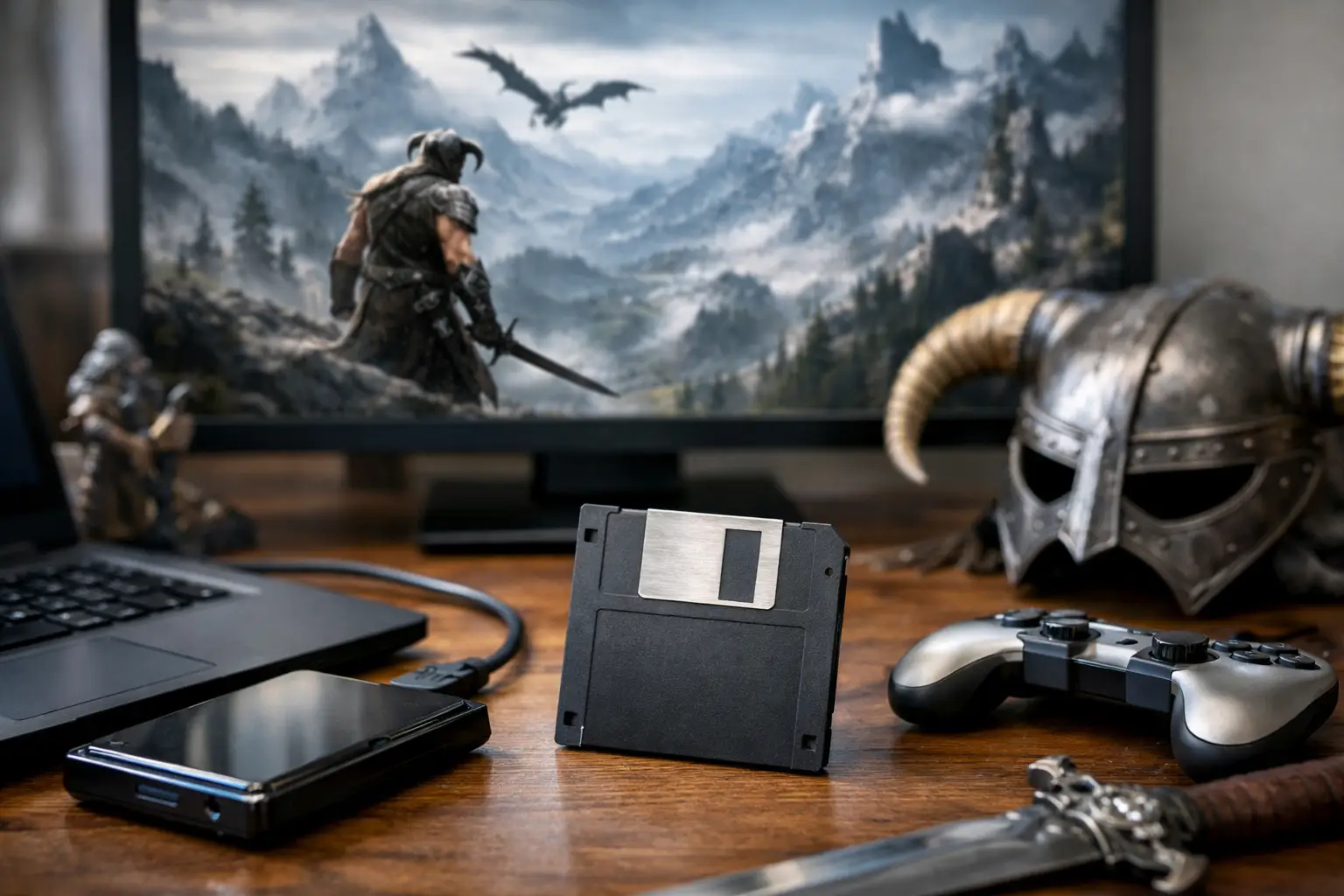
Skyrim Modded Save Backup Without the Funeral
Set up a Skyrim modded save backup that survives crashes, bad load orders and accidental overwrites, with version history for every Dragonborn disaster.
-
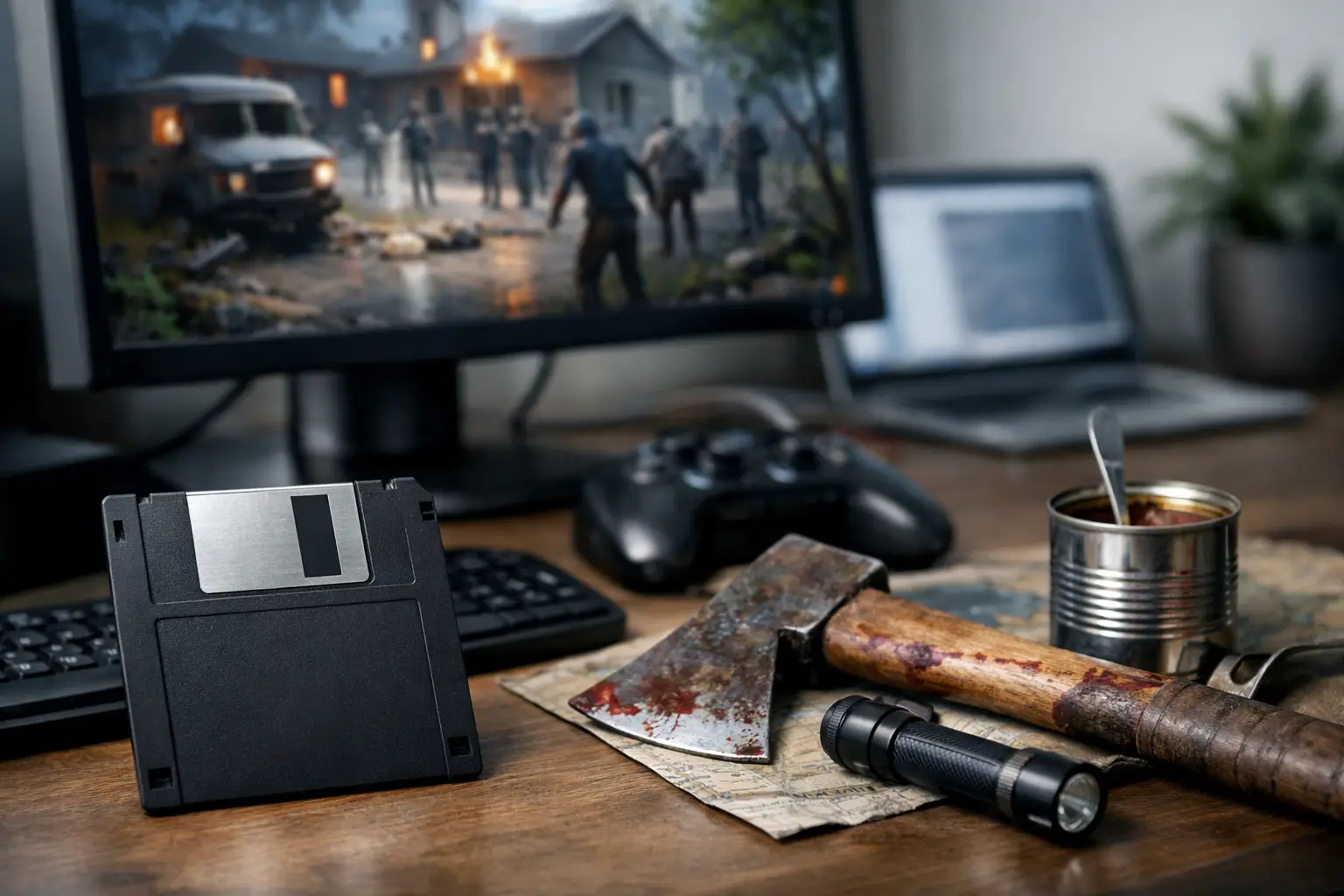
Project Zomboid Save Recovery Without Starting Over
Project Zomboid save recovery steps for corrupted worlds, bad mod loads and co-op disasters - plus backup habits that stop your next apocalypse cold wipe.
-
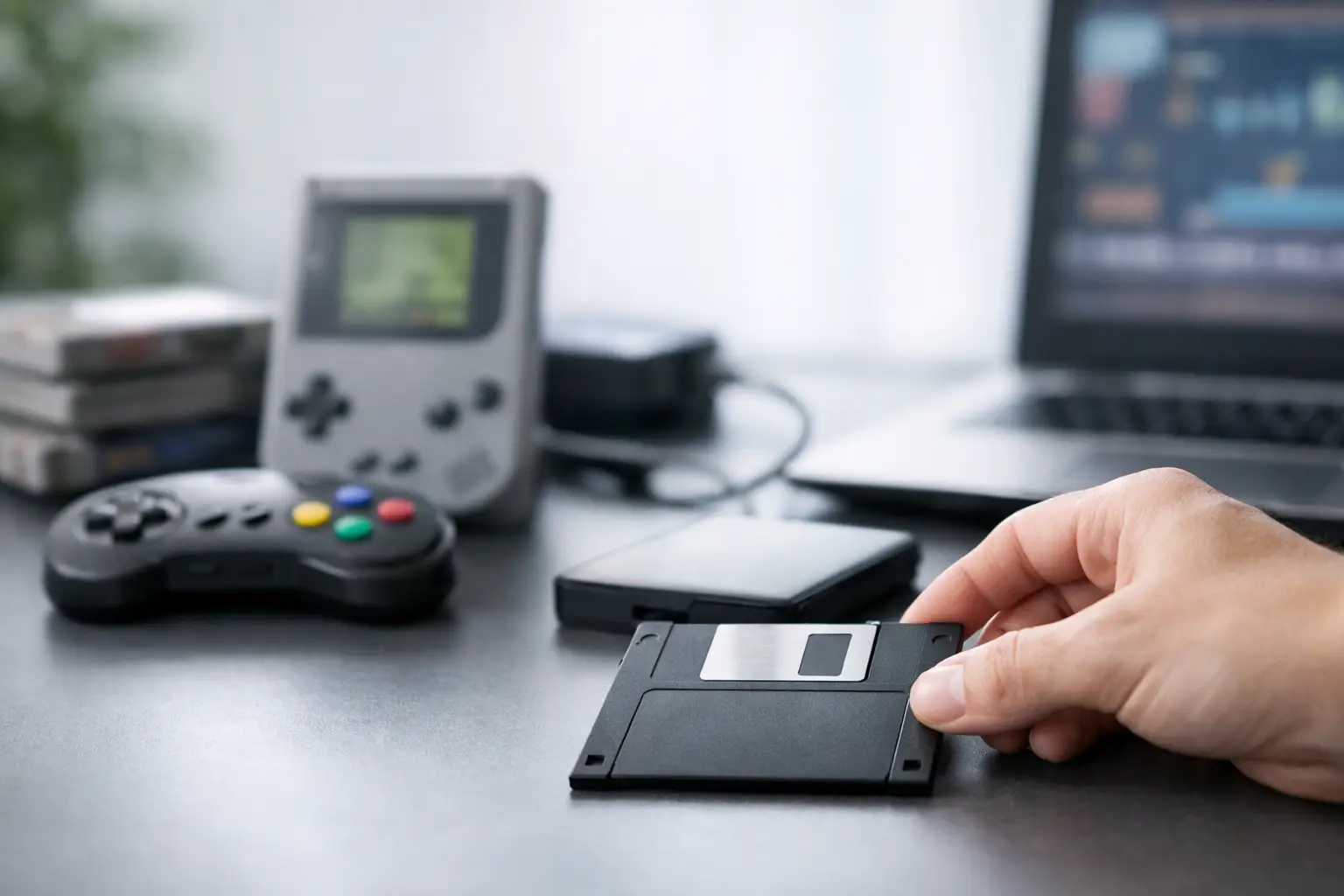
RetroArch Save State Backup Without the Panic
RetroArch save state backup explained: protect slots, keep rollback points, and avoid cloud-sync disasters without babysitting folders by hand every week.
-
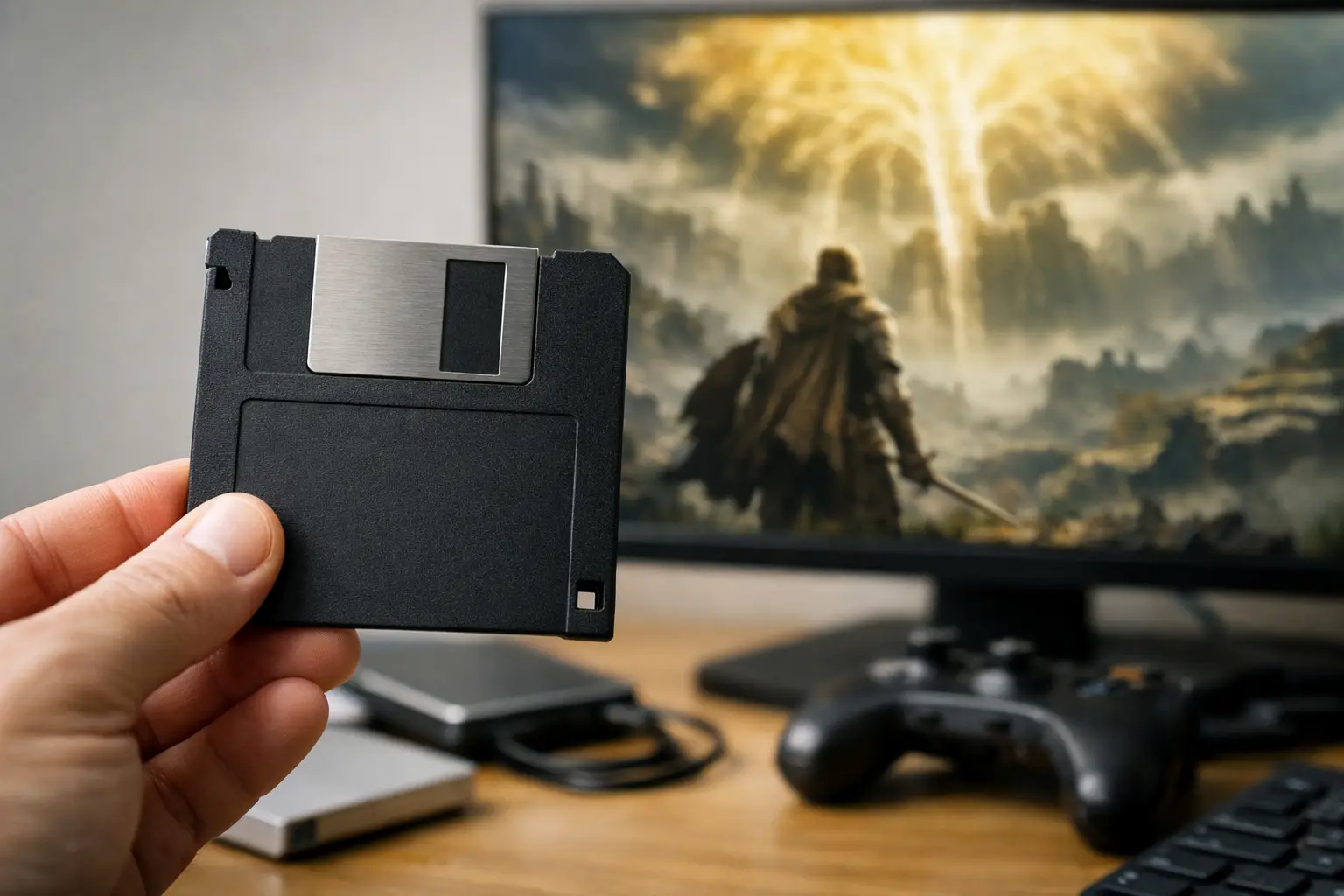
Elden Ring Save Recovery Without the Panic
Elden Ring save recovery on PC: what still works, what usually fails, and how to restore lost progress without making the mess worse.
-
Valheim Host World Sharing Without the Faff
Valheim host world sharing explained: how to pass a world safely, avoid overwrites, fix host lock-in, and keep co-op progress intact.
-
Factorio World Rollback Without the Panic
Need a factorio world rollback after a bad save, desync, or mod mess? Here's how to restore a base safely and avoid losing hours again.
-
Stardew Valley Co-op Save Share, Sorted
Stardew Valley co-op save share without the usual chaos. Keep every version, hand off host saves safely, and stop losing farms to bad file swaps.
-
Best Minecraft World Backup Tool for PC
Looking for a minecraft world backup tool? Here’s what actually matters for automatic backups, rollbacks, co-op safety and modded save recovery.
-
How to Sync Saves Across PCs Without Drama
Learn how to sync saves across PCs without broken worlds, missing files or dodgy folder hacks. Keep progress current on every machine.
-
Dedicated Server Alternative for Friends
Need a dedicated server alternative for friends? Here’s when save sharing, backups, and host handoff beat paying monthly for a server.
-
How to Share Co-op Worlds Without Drama
Learn how to share co-op worlds without overwrites, missing host files, or dodgy manual backups. Safer handoffs, fewer arguments, more play.
-

Cloud Backup for PC Games That Saves Runs
Cloud backup for PC games stops lost saves, bad rollbacks and co-op chaos. Here's how it works, where it fails, and what to use instead.
-
How to Restore Corrupted Save Files Fast
Learn how to restore corrupted save files fast on PC, recover older versions, find backup folders, and avoid losing your world again for good.
-
Best Game Save Manager for PC Players
Looking for the best game save manager? Here’s what actually matters for PC players, from backups and restores to co-op sharing and mod safety.
-

How to Back Up Game Saves Without the Faff
Learn how to back up game saves properly on PC, avoid corrupted files, recover bad sessions, and keep co-op worlds safe without faff.
-
The Steam launch is going great; what we're building next
A few days in, wishlists are climbing and the playtest is full of strange, wonderful saves. Thank you. A quick note on how it's going and what comes next.
-
Checkpoint64 is on Steam! Wishlist it and join the playtest
There's now a Checkpoint64 page on Steam. You can wishlist it, follow for the launch, and get into the playtest — and yes, the irony of a save-backup tool living next to Steam Cloud is the whole point. Here's what the listing means and what it doesn't change.
-
Back up the whole folder; the save files your game writes later won't slip through
Picking save files by hand has a blind spot — it never notices the ones your game writes after you set it up. A new farm, a fresh profile, an extra slot. The next build can watch the whole save folder and keep catching whatever lands in it. Restoring got safer too. Here's what's new.
-
Anatomy of a save corruption; what actually happens on disk
Corruption sounds like bad luck, but it's usually one of a handful of very specific things going wrong at the byte level — almost always during the write. Here's what a save file really is, the three ways it gets mangled, and why a single save slot is a single point of failure.
-
The free plan just grew a team; try co-op without a card
Free accounts can now create one team — invite your co-op partner, pass the lock, read the logbook, all without paying. Lifetime quietly went from 2 teams to 3 while we were at it. Here's what changed and why.
-
Cloud saves aren't backups; sync will happily overwrite your good save
Steam Cloud, GOG Galaxy, and console cloud saves keep one copy in sync across your machines. That's not the same as a backup. The moment a save corrupts or a bad autosave fires, sync does its job perfectly and pushes the broken file everywhere. Here's the difference, and why versioning is the thing you actually wanted.
-
The perfect companion for emulators; real version history for save states
Emulators already let you save anywhere. What they don't give you is a history. Checkpoint64 watches the save folder your emulator writes to and turns every save into a versioned, restorable timeline — a rewind button that survives across sessions, machines, and emulator updates.
-
Community servers; host a world, share it with a crowd, keep it pristine
A creator can now host a save and hand out a join code that lets an audience download the world without being able to touch it. No write access, no accidental overwrites, capped and revocable. Here's what read-only members are and when you'd want them.
-
Welcome to the Checkpoint64 logbook
First entry. What we're building, why we're building it, and how this blog works.