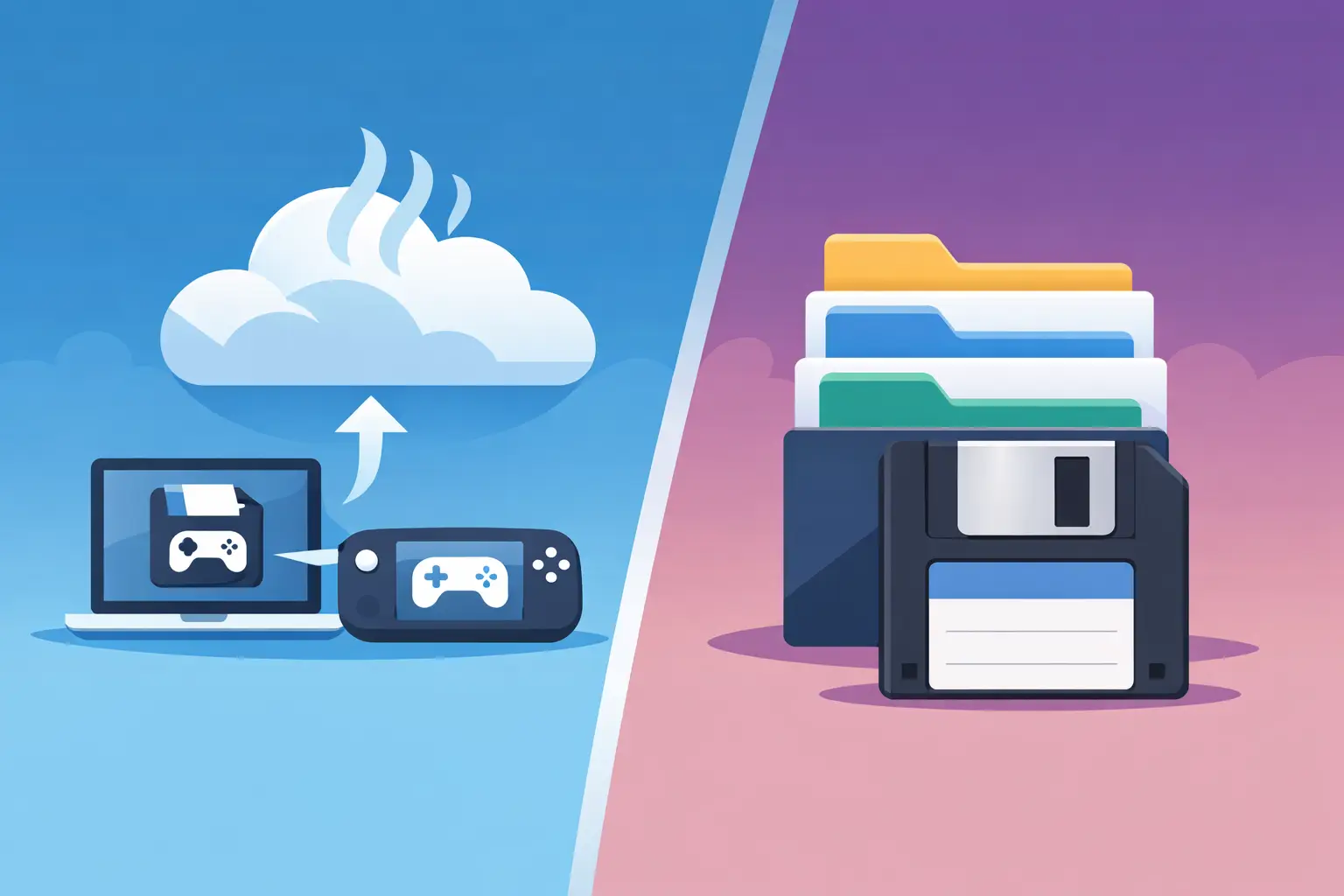
Steam Cloud versus versioning is not a nerdy argument about file management. It is the difference between seeing your latest save arrive on another PC and being able to recover the exact save from before your mate "tidied up" the shared world, a mod update ate the map, or you made a very confident decision at 1am.
Steam Cloud is useful. Nobody is here to pretend otherwise. For plenty of games, it quietly keeps a current save available across machines, which is far better than copying folders to a USB stick labelled `SAVE BACKUP FINAL v2 ACTUALLY FINAL`.
But syncing is not history. And when a save goes bad, that distinction gets painfully expensive in hours.
What Steam Cloud is built to do
Steam Cloud is primarily a synchronisation system. A game developer chooses which files to store, Steam uploads them, and your other signed-in machines can download them. Start a game on your desktop, continue it on your laptop, nice. That is the job.
The key word is current. Cloud sync aims to make your devices agree on the latest state of a file. If your current Valheim world is healthy, brilliant. If the current world is corrupted, overwritten, or saved after a disastrous mod change, Steam Cloud can faithfully help spread that disaster around.
That does not make Steam Cloud broken. It means it is doing what it was designed to do: synchronise the present state, not preserve every moment that led there.
There are other limits too. Steam Cloud support is game-by-game, because developers must configure it. A game may not use it at all, may only include certain save files, or may behave differently with local profiles, mod managers, launchers and multiple Windows accounts. Emulator saves, random indie games and heavily modded installs are especially likely to make the neat idea of a single synced save folder a bit less neat.
Steam may also flag a conflict when two devices changed a save independently. That warning is better than silent destruction, but it still leaves you choosing between files when neither filename says, "this one contains the 90-hour factory before the conveyor belt incident".
Steam Cloud versus versioning: the actual difference
Versioning keeps snapshots over time. Instead of treating a save as one living file that gets replaced, it treats each meaningful change as a recoverable point in the timeline.
Think of Steam Cloud as moving your favourite cartridge between two shelves. Versioning is keeping a labelled cartridge shelf with every important state of that game: before the boss, before the patch, before your friend rebuilt the base into an architectural crime.
That history changes what you can do after something goes wrong. With versioning, you do not have to ask, "Which copy is newest?" You can ask, "Which copy was right?"
That sounds like a tiny wording change until you have lived through any of these:
- A save is overwritten during co-op handoff.
- A mod update changes the world or breaks a quest state.
- A crash writes half a save, then sync pushes that half-save elsewhere.
- You delete a character, world or emulator memory card by mistake.
- A speedrun practice file gets replaced by a casual run.
In each case, the latest file is exactly the file you do not want. A proper version history gives you a way back without needing clairvoyance, a manual backup habit, or a friend who definitely, absolutely remembers which folder they copied last Tuesday.
Why sync can make a bad save worse
The nastiest save failures are not always dramatic. Sometimes the game loads, the world looks mostly fine, and only later do you notice a chest is empty, a quest flag vanished, or an entire build is missing. By then, you may have launched the game on another machine and allowed the damaged save to become the new normal everywhere.
This is the trade-off with any synchronisation-first setup. It reduces device friction by prioritising consistency. That is great when the newest state is good. It is less great when the newest state is a smoking crater.
Versioning adds a safety net because it does not assume newer means better. It keeps prior states available, so recovery is a deliberate choice rather than a desperate hunt through Recycle Bin, Steam folders and old Discord messages.
For solo games, this is mostly insurance against mistakes and corruption. For modded games, it is insurance against experimental confidence. For co-op, it becomes part of how the group avoids turning one shared world into a hostage situation.
Co-op saves need more than a copy in the cloud
A shared save has an extra problem: ownership. If one player hosts the world locally, that person’s PC often becomes the unofficial server, archive and single point of failure. They go on holiday, their drive dies, or they simply forget to post the updated save, and the whole group is staring at a world nobody else can safely continue.
Steam Cloud does not solve the social side of that. It can sync a host’s files to the host’s other machines, but it does not provide a clear, controlled handoff between players. Giving everyone access to a folder can also produce the classic co-op manoeuvre: two people play separate sessions, both believe they have the real save, and one overwrites the other.
A versioned co-op workflow needs two things: a visible history and a clear answer to who currently has the right to play the world. That is why lock-based handoff is more useful than a shared Dropbox-style free-for-all. One player checks out the save, plays, checks it back in, and the group can see what changed. If a lock expires because someone disappears into the void, the world is not permanently trapped on their machine.
It is less glamorous than buying a dedicated server, but for a group that plays twice a week and mostly builds factories, farms or questionable wooden forts, it can be a much saner arrangement.
When Steam Cloud is enough
Steam Cloud is enough when the game supports it well, you play on one or two devices, and losing the current state would be annoying rather than catastrophic. It is especially handy for single-player games where saves are small, uncomplicated and you rarely experiment with mods.
You can also use Steam Cloud alongside version history. They solve different jobs. Steam Cloud handles convenience between devices; versioning handles recovery over time. One gets you to the latest save. The other lets you reject the latest save when it turns out to be cursed.
If you already maintain your own backups, you may not need another tool either. A disciplined manual system with dated copies, off-device storage and enough retention can work. The issue is that most players only become disciplined immediately after losing something irreplaceable. The human brain is fantastic at remembering backups right after the backup would have helped.
What useful versioning looks like in practice
The good versioning experience is boring in the best possible way. Your save folder is watched automatically. Changes are noticed regularly, only changed files are uploaded, and each state appears in a history you can understand. When something breaks, you pick a point from before it broke and restore it in seconds.
Checkpoint64 is built around that idea for PC saves: automatic backups, full history and one-click restores, with presets for supported games and emulators. The point is not to turn playing Stardew Valley into an IT department. The point is to make the rollback available before panic sends you into a five-hour forum archaeology session.
Pay attention to retention as well. A backup system that keeps only a few recent copies can still miss the moment you need, especially when a problem is discovered days later. More history is usually better, but storage has a cost, so the sensible setup depends on how large your worlds are, how often they change and how much disaster insurance you want.
For a tiny roguelike save, modest history may be plenty. For a long-running modded Minecraft world or a Factorio base with more belts than common sense, keep enough restore points to cover patch days, mod changes and the interval between "something feels wrong" and "oh no".
The practical rule is simple: use Steam Cloud to carry your current save, but use version history to protect your good ones. Your future self does not need another sync conflict. They need a restore point from ten minutes before the floor vanished.