Your mate wants to play the shared Valheim world while you are out. The obvious answer seems to be renting a server. Then the invoice arrives every month, the mod list breaks after an update, and the server sits empty for 27 days. That is where the dedicated server versus save sharing question gets interesting.
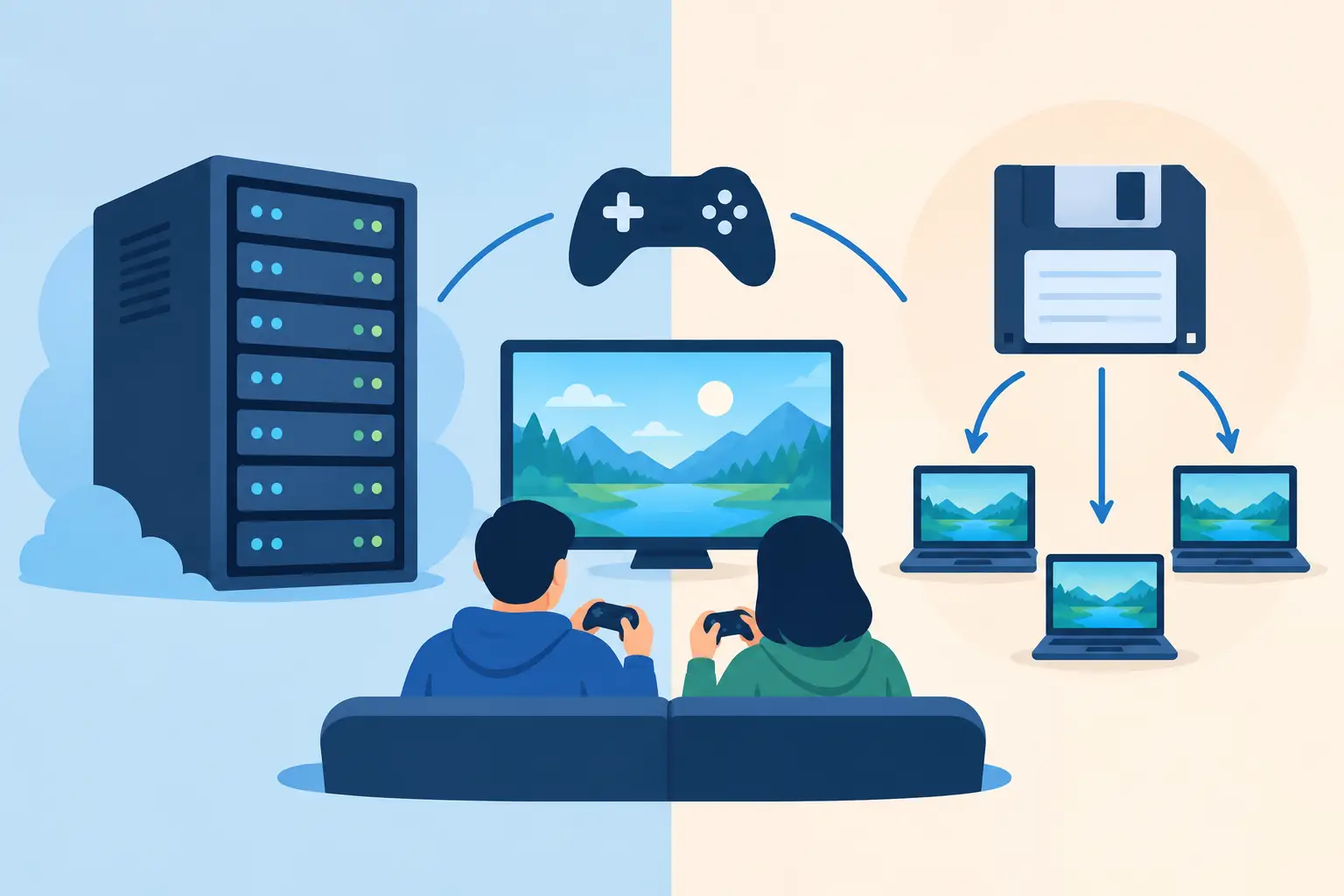
These are not interchangeable ways to play multiplayer. A dedicated server keeps a game world online. Save sharing passes ownership of that world between players. One is infrastructure. The other is a very organised cartridge handoff, with far less chance of someone launching an old copy and turning last night’s progress into archaeology.
For some groups, a dedicated server is absolutely the right call. For plenty of casual co-op crews, it is expensive overkill with a dashboard attached.
Dedicated server versus save sharing: the real difference
A dedicated server is a separate machine, rented or self-hosted, that runs the game world independently of any player’s PC. Anyone with access can join while it is online, even if the usual host is asleep, at work, or pretending not to see Discord notifications. It is built for persistent availability.
Save sharing works differently. The world file lives with a player when they are hosting, then gets handed to another approved player when it is their turn. The new host runs the world from their own machine. The group does not need a permanently running instance because the world only needs to exist when somebody is actually playing.
That distinction matters more than feature lists. If four friends play Satisfactory every Thursday evening, a 24/7 server solves a problem they may not have. If 30 people drop into a Minecraft community at random hours, save sharing creates a bottleneck before it creates a solution.
The best choice is not about which option sounds more serious. It is about how your group actually plays when nobody is trying to justify the server bill.
When a dedicated server earns its keep
A dedicated server is the sensible pick when your world needs to be available without a particular player present. Public communities, larger guilds, roleplay servers, and groups spread across time zones all benefit from an always-on home for the world.
It also helps when the game itself expects it. Some games have server-side tools, permissions, scheduled restarts, world settings, or performance options that only really make sense in a dedicated setup. If players need to build, farm, or explore independently at 3am, asking them to wait for whoever owns the save is not a co-op system. It is a queue with friendship damage.
Performance can be another reason. A powerful dedicated machine can handle more players, bigger maps, and more simulation load than one friend’s gaming PC that is also rendering explosions, streaming, and attempting to keep Chrome from eating the RAM. For a heavily populated modded world, that breathing room is real.
But dedicated does not mean invincible. Servers still need updates, mod maintenance, backups, admin access, and somebody willing to investigate why the world refuses to start after a patch. Renting a server buys uptime. It does not buy immunity from save corruption, bad mods, or the friend who deletes the wrong folder with the confidence of a speedrunner.
When save sharing is the smarter play
Save sharing shines when a group plays together in sessions, rather than treating the world like a public utility. Think a Stardew Valley farm with four friends, a modded Factorio factory, a Palworld save for weekend chaos, or an Elden Ring modded run where everyone wants the exact same files and setup.
The big win is cost. A server is a recurring bill, whether the group logs in or not. Save sharing can be free or a one-time purchase, depending on the tool and storage you need. That matters when the server is mostly preserving an empty meadow while everyone plays something else for a month.
It is also often easier to keep control of mods. The current host can run the world using the same local setup they already use. You are not separately maintaining server-side mod versions, config files, hosting control panels, and the classic mystery of why one mod works locally but has decided the server is morally opposed to loading it.
The catch is obvious: the world is not always online. Someone has to take the save, host it, then hand it back when they are done. A good save-sharing system makes that handoff quick. A bad one is a shared cloud folder full of files called `world_FINAL`, `world_FINAL2`, and `world_FINAL2_USE_THIS_ONE`.
The handoff problem is the whole game
Manual save sharing fails in a very predictable way. Two people download a copy. Both play. Both make progress. Now you have two competing timelines, and neither contains the other person’s work. Congratulations, you have invented a co-op multiverse nobody asked for.
The fix is not merely syncing files faster. It is making ownership clear. One player needs the writeable copy, everyone else needs to know it is checked out, and the handoff needs an audit trail. Otherwise the group is relying on Discord messages, good intentions, and the ancient ritual of asking, “Is anyone in the world right now?”
This is why lock-based sharing is useful. A lock gives one player control of the current save while they host, then releases it for the next person. Expiring locks matter too, because people forget to close apps, lose power, or vanish halfway through a boss attempt. A logbook helps settle the small but surprisingly emotional question of which version is current.
Checkpoint64 takes this approach for supported co-op saves: one player checks out the world, changes are backed up as versions, and the next host gets the latest approved state instead of a roulette wheel of ZIP files. Its free plan is actually free, while extra space and crew features can be bought once rather than rented forever. That makes more sense for a group that needs shared save control, not a data centre.
Cost is more than the monthly price
Dedicated hosting has a visible cost: the monthly rental. Self-hosting can look free until you count electricity, hardware wear, broadband limits, setup time, and the fact that your PC needs to stay on when you would rather switch it off.
Save sharing has a different cost: somebody needs to host while people play, and the group needs a small amount of discipline around handoffs. For session-based co-op, that is usually a fair trade. For a world that players expect to access whenever boredom strikes, it becomes friction.
Also consider the cost of a bad rollback. Dedicated servers often provide backups, but retention varies and restores can be clumsy. Save version history lets you return to the state before the broken mod update, accidental overwrite, or spectacularly misguided building project. The best setup is one where rolling back a bad session takes seconds, not a support ticket and a prayer.
Ask these three questions before you rent anything
First, does anyone genuinely need access when the usual host is offline? If the answer is yes, lean towards a dedicated server.
Second, do you play on a regular schedule as a small group? If you do, save sharing is usually cheaper and less work than maintaining a server that spends most of its life idle.
Third, how much damage would a bad save cause? For modded games, long campaigns, emulator saves, or worlds with hundreds of collective hours, version history is worth having whichever route you choose. A dedicated server without proper backups is still one failed update away from becoming a cautionary tale.
A server is brilliant when your world needs a permanent address. Save sharing is brilliant when your world needs to move safely between friends. Pick the one that matches your play pattern, then make sure the next accidental overwrite is a mild inconvenience rather than the story your group tells for years.