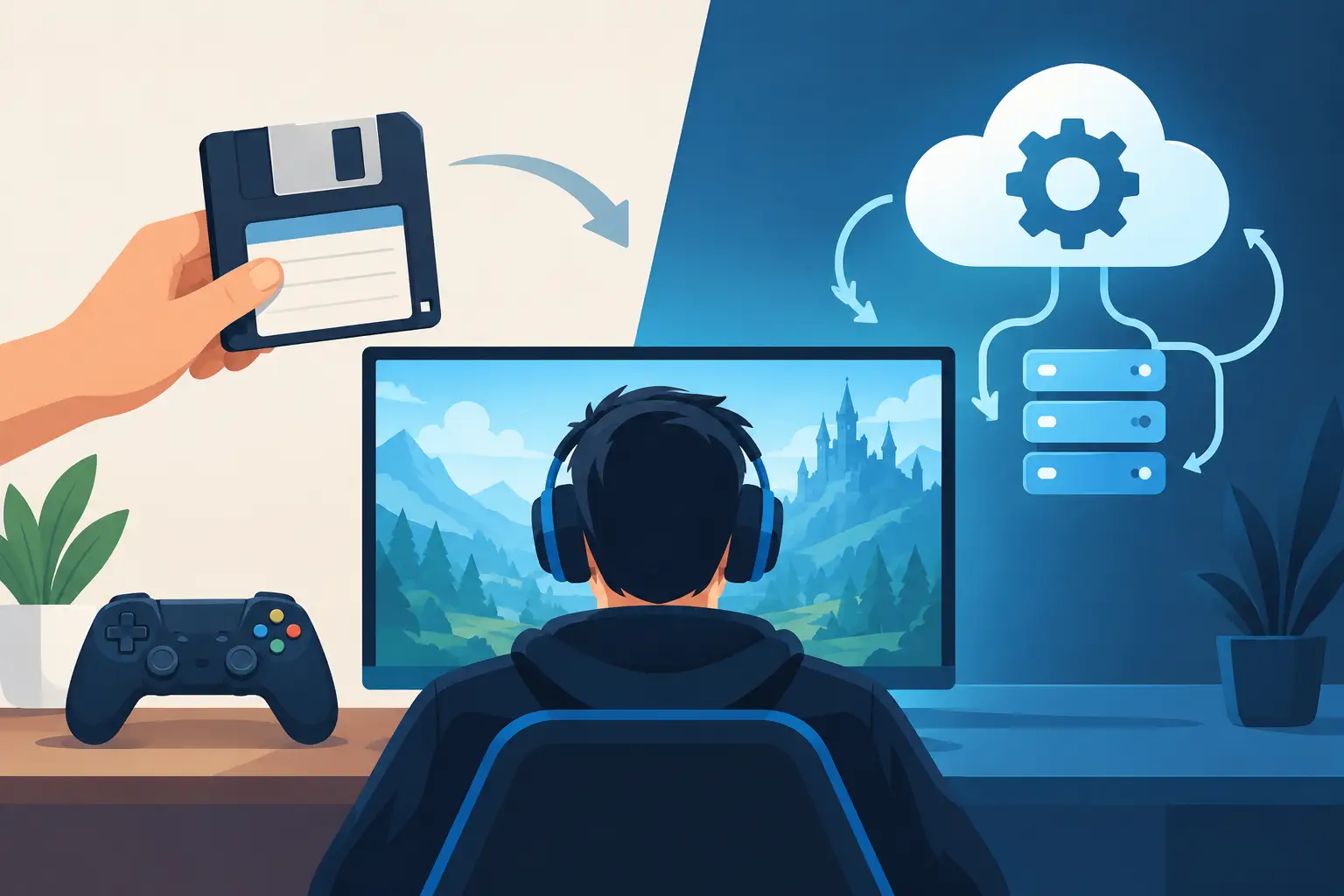
Your save folder is not a sacred vault just because you copied it to a folder called `BACKUP_DO_NOT_DELETE`. It is one accidental drag, one overwritten cloud sync, or one mod update away from becoming digital archaeology. Manual save copying versus automation is really a choice between remembering to protect hundreds of hours of progress and letting the protection happen while you get on with the important work: making increasingly questionable decisions in a co-op world.
The good news is that you do not need a monthly bill, a rented server, or something mysteriously labelled “powered by AI” to stop treating save management as a chore. The free plan can be actually free. If you need more room, pay once and keep it forever. But first, it helps to be honest about what manual backups do well, where they fall apart, and what automated version history changes.
The case for manual save copying
Manual copying is not stupid. It is how most PC players learn where their saves live in the first place: find the folder, copy it somewhere safe, give it a sensible name, and breathe easier. For a tiny single-player game you finish over a weekend, that may be entirely enough.
It also gives you direct control. You can archive a clean modpack world before adding 40 mods with names like `DefinitelyNotBrokenRedux`, move a save to another PC, or keep a pre-boss checkpoint before testing a risky build. You know exactly what you copied and when you copied it.
The trouble begins when “occasionally” becomes “every time something matters”. A proper manual routine means copying the right folder, including the right companion files, naming the copy clearly, storing it somewhere separate from the drive that could fail, and repeating the job often enough that the backup is useful. Miss one session and the one you need to undo is, naturally, the session you never copied.
Save locations make this worse. One game stores data under Documents, another under AppData, another in a Steam directory, and an emulator may put saves somewhere completely different. Some games split a world across several files. Some keep configuration, mods, character data, or local metadata nearby. Copy only half the puzzle and your backup may load with all the charm of a corrupted cartridge.
Manual copying works when the stakes are low and your habits are unusually disciplined. Most of us are neither low-stakes nor disciplined at 1:30am after a “quick” session.
Where manual save copying versus automation gets real
The central difference is not that automation saves a few clicks. It removes the gap between a change happening and a recoverable version existing.
An automated save tool watches the folders you choose, notices changes, and creates versions without asking you to remember. At Checkpoint64, it checks every 30 seconds and uploads only files that changed. That means your save history grows from actual play, not from a guilt-driven backup ritual performed after something already feels wrong.
Version history is the part that matters. A normal backup can be a single snapshot. If that snapshot gets replaced after corruption, you have faithfully backed up the problem. Version history gives you a line of retreat: before the bad mod install, before the accidental sale of an irreplaceable item, before your mate “tidied” the shared storage system into oblivion.
That distinction is huge for games with long-running worlds. A 200-hour Factorio base is not one file. It is weeks of plans, mistakes, fixes, rail spaghetti, and that one production line nobody is allowed to touch. A current copy is useful. A stack of recoverable moments is better.
A bad session should not become a permanent one
Picture a modded Stardew Valley save that suddenly refuses to load after an update. With manual copies, you start hunting through dated folders and hoping last Sunday’s archive is recent enough. You may have copied the wrong directory. You may have no copy at all because you were sure you would do it after the next day.
With automatic versions, the job is simpler: find the point before the update, restore it, and get back to farming. You still need to diagnose the mod issue, obviously. Automation cannot make a cursed dependency chain emotionally mature. It can stop that chain from taking your whole save hostage.
This is also useful for emulator players. Save states and memory-card files are famously easy to overwrite, move, or lose during a tidy-up. Keeping history lets you experiment without turning every choice into a one-way door.
Co-op turns backups into a people problem
Solo players forget backups. Co-op groups invent new ways to ruin them.
The classic setup is a host-dependent world. One person owns the current save, so everyone else can play only when that person is around. If the host goes on holiday, changes computers, or simply vanishes after saying “back in five”, the entire world is stuck in their folder.
Then comes the handoff. Someone copies the world, posts it in chat, another person downloads it, and now there are potentially two versions in circulation. Both look current. Both are named something useful like `ValheimWorld_NEW_FINAL2`. The group plays different copies. Nobody notices until the missing castle, tamed wolves, or ten hours of progress becomes impossible to ignore.
Manual copying has no built-in answer to this because the real problem is coordination. A shared world needs a clear owner while it is being played, a way to hand it over safely, and a record of what happened. Otherwise, the save file becomes a cursed relay baton.
Automation can provide that structure. Checkpoint64 uses server-enforced locks for co-op world handoffs, with expiring locks and a shared logbook. One player takes control, plays, and hands the world back rather than passing mystery ZIP files around. The lock matters because polite messages such as “don’t launch it yet” are not a technical system. They are a wish.
For casual groups, that can be cheaper and less annoying than paying for a dedicated server that mostly sits empty. A server is still the right call if people need a persistent world running around the clock. If your crew only meets twice a week, safe handoffs can be the better fit.
Automation is not permission to stop thinking
Automatic backups are stronger than manual copying, but they are not magic armour. They protect what is configured, so you still need to confirm you selected the right save folder. If a game has an unusual layout, test a restore before you are having the worst evening of your gaming year.
You should also understand your restore point. Rolling back a shared world can remove progress made after that version. In a co-op group, say what you are restoring and why. The technically correct recovery can still cause a small civil war if it deletes somebody’s rare drop.
There are cases where manual archives remain useful. Before a huge modpack overhaul, a major game patch, or a hardware migration, make a clearly named milestone copy as well. Think of it as putting your favourite cartridge in a display case. Automation handles the constant protection; a milestone archive marks the moments you may want to revisit deliberately.
The best workflow is not manual or automatic in a purity contest. It is automatic history for everyday protection, plus intentional snapshots before big experiments. One catches the chaos you did not plan. The other preserves the chaos you absolutely did plan.
What a sane save routine looks like
Set up the games you care about once. Confirm that a small change creates a new version. Keep enough storage for the history you value, especially for modded worlds and emulator libraries. Then leave it alone until you need it.
When disaster arrives, resist the urge to keep launching the broken save, copying random files over each other, and escalating from recoverable mistake to full-blown folder crime scene. Identify the last known good point, restore it, and verify it loads before carrying on.
That is the real win of automation: not more software in your life, but fewer rituals. Your saves become a cartridge shelf with a history, not a pile of fragile folders that only makes sense to the version of you who made it three months ago.
The next time you are about to say “I’ll copy it after this session”, take that as your cue. Future you deserves better than a folder named `backup2_final_final` and a very long night.