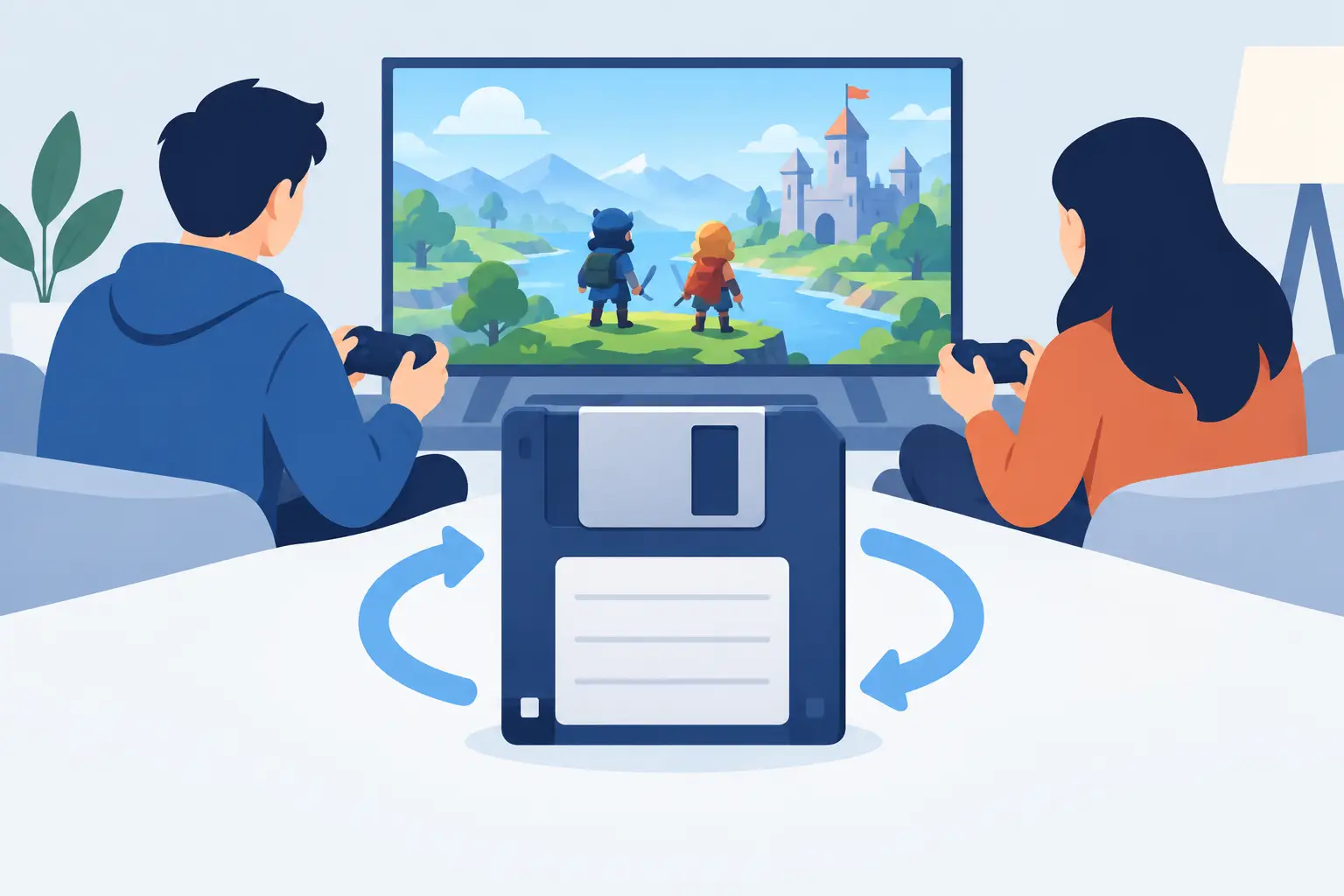
Your mate is the host. Your mate goes on holiday. Your shared Valheim world is now trapped on their PC like a legendary item nobody can equip. Or worse: somebody sends a save folder in Discord, somebody else overwrites the newer version, and the group spends Friday night asking which file is actually the good one.
That is the job save sharing software should solve. Not by turning a casual co-op session into an IT department, but by making the world portable, protected and difficult to accidentally wreck.
For games built around local saves, sharing is usually a duct-tape ritual: zip a folder, label it something optimistic like `FINAL_FINAL_2`, post it somewhere, hope everyone remembers who has the latest copy. It works right up until it absolutely does not.
Why co-op saves become a mess so quickly
A co-op save is not just a file. It is the current state of hundreds of little decisions: where the base is, who spent the rare materials, which mod version was installed, and whether that boss you finally beat is dead. Treating it like a disposable attachment is how a two-hour session becomes a recovery operation.
The first problem is host dependency. Many games store the world on one player's machine, so the whole crew can only play when that person is available. A dedicated server can solve that, but it is often overkill for a group that plays twice a month. Paying a monthly bill so four friends can build a slightly cursed factory on occasional Sundays is not always the move.
Then there is conflicting work. If two people download the same world, play separately, and upload their own versions, there is no magical merge button waiting at the end. One branch wins. The other becomes a painful alternate timeline.
Mods make things even more exciting, in the bad way. A missing dependency, a changed load order, or a mod that decides your inventory is now theoretical can leave a save looking corrupted. Sometimes the fix is straightforward. Sometimes you need yesterday's version before the gremlins arrived.
What good save sharing software actually does
A useful tool needs to do more than put a game folder in cloud storage. Generic sync tools are great at synchronising files. They are not great at understanding that two people editing the same world at once is a boss fight nobody wins.
Good save sharing software handles three jobs: it keeps a version history, gives the group a safe handoff system, and makes restoring a known-good save fast enough to use under pressure.
Every change needs somewhere to go
Automatic backup matters because manual backup is a lovely plan you will remember after the disaster. A save watcher checks the relevant game folder regularly, detects what changed, and uploads only those changed files. You do not need to remember paths buried in AppData, find the right hidden folder, or make a ceremonial ZIP before installing one more mod.
More importantly, version history means a backup is not merely a copy of the latest catastrophe. If a world breaks at 22:14, you need the version from 22:12, not a freshly synchronised record of the wreckage.
That changes the emotional temperature of a bad session. Instead of, “Well, there goes the world,” it becomes, “Roll back to before Dave tested that mod on the production save.” Dave may still be banned from touching the config folder. But the world survives.
Handoffs need locks, not vibes
The biggest trap in shared local worlds is assuming the group will coordinate manually. They will not. Not consistently. Someone will play at midnight, someone will forget to announce it, and someone else will launch their stale copy because the group chat was muted.
A proper shared-world system uses a lock. When one player takes the world to play, the lock tells everyone else who has it and prevents competing edits. Once they are done, they hand it back. Expiring locks are useful too: if the current holder disappears for a week, the save does not remain imprisoned forever.
A shared logbook adds the missing context. “Moved world to my machine.” “Installed mod update.” “Restored pre-raid version.” These are small notes, but they stop the group from treating the save like an archaeological site.
This is not glamorous infrastructure. Neither is remembering to save before a power cut. Both become extremely glamorous the moment they save your weekend.
A practical co-op workflow that does not eat your evening
Set the shared world up once, then keep the rules boring. Boring is good. Boring means nobody is reconstructing a save history from screenshots and panicked voice chat.
First, make sure the tool is watching the actual save location, not a backup folder you made six months ago and forgot existed. Game presets help here, especially across games with creative ideas about where a save should live. The same applies to emulators, where memory cards, save states and per-game folders can create their own tiny filing nightmare.
Next, invite only the people who genuinely need write access. Everyone else can use a read-only share when appropriate. That is particularly handy for creators sharing a prepared world, modpack test build, or challenge save with an audience. Viewers can grab the intended state without gaining the ability to turn it into `test lol 7`.
Finally, agree on one rule: claim the world before playing, then release it when finished. It sounds almost insultingly obvious. It is also the difference between a handoff and a collision.
When cloud saves are not enough
Platform cloud saves are useful, but they are not a complete answer for groups managing shared worlds. They tend to focus on keeping one player's saves available across that player's devices. That is a different problem from co-op custody, controlled sharing, and restoring an exact earlier version.
They can also faithfully sync a bad outcome. If a game overwrites a healthy save with a damaged one, ordinary synchronisation may distribute the bad news with impressive efficiency. Without accessible version history, “cloud backup” can mean “the disaster is available everywhere”.
Manual copying is still fine for a one-off transfer. If you are sending a friend a completed single-player save once, do not overengineer it. But once a group revisits the same world, changes mods, swaps hosts, or plays across multiple PCs, the labour of manual file management starts charging interest.
Dedicated servers sit at the other end of the trade-off. They offer availability and can be the right choice for an active group playing daily. But they cost money every month, need maintenance, and are excessive for a small crew that simply wants whoever is free to host safely. A shared-save workflow keeps the control local without making one person the permanent keeper of the cartridge.
The no-subscription part is not a footnote
Save protection is one of those utilities you should be able to keep around for years. Your game library gets bigger, old favourites return, and a new modded run eventually convinces you to revisit a save you abandoned in 2023. Renting permanent peace of mind can feel a bit backwards.
Checkpoint64 takes the more sensible route: a free plan that is actually free, then pay once for more space if you need it. No “powered by AI” label slapped on a folder watcher. No recurring charge lurking behind the one tool you only think about when something has gone horribly wrong. Its desktop app runs on Windows, macOS with Apple Silicon, and Linux, with presets for dozens of games and emulators.
The point is not to create another launcher, server dashboard, or social network for your saves. It is to put every version on a cartridge shelf, let the right person take the cartridge when it is their turn, and keep the others from accidentally recording over it.
Your next co-op world will eventually suffer a bad mod update, an overwrite, a crash, or a friend who swears they only changed “one tiny thing”. Make sure the recovery plan takes seconds, not a group therapy session.