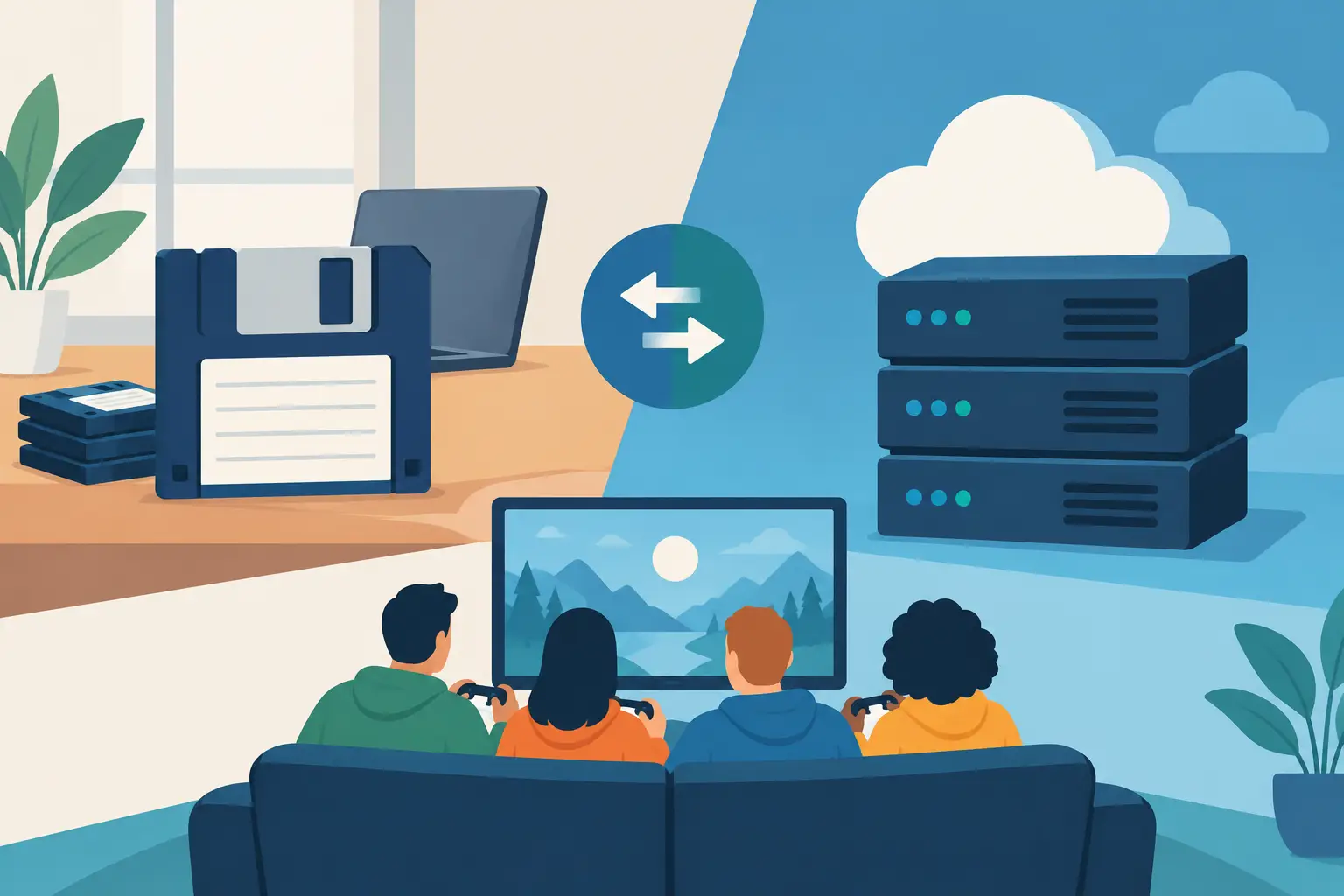
Your mate wants to play Valheim at 11pm. The person who owns the world is asleep. The rented server is technically available, but it has been charging somebody's card for three weeks while everyone has been playing other games. Meanwhile, the local world save is sitting on one PC like a cartridge locked in a drawer.
That is the real local saves versus server rentals argument. It is not just about whether a world is online. It is about who controls it, who can access it, what it costs when nobody is playing, and how badly things go when a mod update turns your 80-hour base into modern art.
What You Are Actually Paying For
A server rental buys availability. Your world stays online while the host is out, asleep, at work, or pretending not to see the group chat. For games built around persistent multiplayer, that can be genuinely useful. A private Minecraft server, a large Palworld group, or a modded Factorio run with players in different time zones may need a world that never clocks off.
But availability is not the same thing as ownership, backup, or good co-op management. A rented server is still a computer elsewhere running your save files. It can crash, fill its storage, apply updates at the worst moment, or become a monthly bill everyone assumes somebody else is handling.
Local saves cost nothing to host. They also usually load faster, give the owner full control over mods and settings, and avoid the weird performance lottery of budget hosting. The catch is obvious: if one player owns the file, that player is the gatekeeper. No host, no world.
For casual crews that play together once or twice a week, a permanently rented server can be a very expensive answer to a very occasional problem.
Server Rentals Have a Recurring-Bill Problem
The maths gets rude quickly. A modest server fee may look harmless each month, especially when split across friends. Then someone forgets to cancel it after the group burns out, moves to another game, or takes a three-month break after one catastrophic wipe.
You are not only paying for active sessions. You are paying for idle time, abandoned worlds, and the vague hope that everyone will return on Sunday. Sometimes they do. Often, the server becomes a paid memorial to a half-finished castle.
That does not make rentals a scam. It means they should earn their place. If several people play independently throughout the week, a hosted server is probably cheaper than the social cost of constantly asking, "Can you launch the world?" If everyone only plays when the group is together, local hosting is usually the sensible default.
There is a third cost people miss: administration. Somebody has to choose the host, configure mods, manage updates, sort permissions, check backups, and explain why the server is down after a game patch. The friend who knows what an FTP client is has just been promoted to unpaid infrastructure goblin.
Local Saves Are Better Until They Become Hostage Files
A local save is wonderfully simple right up until it becomes the only copy of your shared world. Then the host's hard drive, Windows reinstall, corrupted save folder, or accidental overwrite becomes everybody's problem.
Host dependency is especially annoying in co-op games that store the world on one player's machine. The group does not merely need that person online. It needs them to have the right version of the save, the right mods, and enough free disk space to avoid turning the session into a troubleshooting stream.
Passing saves around manually is not much better. One player downloads an old copy. Another unzips it into the wrong folder. Somebody names a backup "FINAL_final_REAL_final_2". Two people play separate versions of the same world. Congratulations: you have invented a multiverse nobody wanted.
This is where local saves need the thing server rentals are often assumed to provide: reliable history. Not one backup made six months ago before a big mod update. Actual version history, so you can return to the save from before the dragon clipped through the floor, before a mate demolished the wrong building, or before a patch ate every item in a chest.
The Useful Middle Ground: Shared Saves, Not a Permanent Server
For many co-op groups, the best setup is not local-only or rented-server-only. It is a local world with automatic backups and a controlled handoff system.
The world can live on whichever player's machine is hosting that evening. When they are done, the save is safely shared with the group. The next trusted player can take the world, run it locally, and hand it back afterwards. That gives your crew flexibility without leaving a server running 24/7 to host an empty meadow and two confused boars.
The key word is controlled. A shared save should not be a free-for-all folder where three people can open and overwrite it at once. Co-op worlds need a clear "who has the cartridge?" rule. One active editor, a visible handoff trail, and previous versions ready when somebody inevitably says, "I thought you had backed it up."
Checkpoint64 is built for this exact sort of save chaos: it watches game save folders, keeps version history, and supports lock-based co-op handoffs so one person is not silently playing on a stale copy. The free plan is actually free, and if you need more room, you can pay once and keep it forever. No subscription ambush. No "powered by AI" stapled to a folder sync button.
When a Rented Server Is Clearly the Right Call
There are cases where local saves should stop pretending they are a data centre. Rent a server when the game and your group actually need one.
A server makes sense if players regularly log in at different times, the world needs to keep simulating while nobody is present, or the group is large enough that one host's upload speed becomes the final boss. It is also useful when you want a stable public community space with permissions, scheduled restarts, and a machine dedicated to keeping the world alive.
Some games are simply more comfortable on dedicated hosting. Large modpacks, automation-heavy worlds, and communities with players spread across regions can benefit from a properly configured server. If your crew has twenty active players and someone is always online, forcing one person's PC to do all the work is not thrift. It is a cry for help.
Even then, do not confuse the server with a backup plan. Keep copies of the world off the server and retain versions before major updates, mod changes, or "just a quick config tweak" sessions. A live server protects access. Backup history protects progress. You want both when things go sideways.
Choose Based on Your Actual Play Pattern
Ask one brutally honest question: how often does somebody need the world when the usual host is unavailable?
If the answer is rarely, use local hosting with automatic versioned backups and safe sharing. You get control, lower costs, and none of the monthly guilt. If the answer is most days, or your world must run continuously, rent the server and treat its save folder like the precious, fragile thing it is.
Do not rent a server because co-op save management is annoying. Fix the save management. Do not cling to a local file because it is free if five friends are permanently blocked by one person's bedtime.
Your world deserves better than a forgotten rental invoice or a single desktop folder named "new save". Keep the cartridge safe, keep the handoff clear, and spend your money on the games you are actually going to play.